

Beyond Help Desks: How IT Answering Services Are Becoming the Brain of Tech Support

Tech support has come a long way from long hold times and scripted responses. Today’s users expect fast, accurate, and personalized solutions, often before they even realize there’s a problem. To meet these expectations, businesses are rethinking how support operates behind the scenes. What was once a reactive help desk model is now evolving into something far more dynamic and intelligent.

The Rapid Shift From Reactive to Proactive Support

Traditional tech support was built around responding to issues after they occurred. While this model worked in the past, it often led to downtime, frustration, and inefficiencies. Modern systems are changing that approach by predicting potential issues and resolving them before they escalate. By analyzing patterns and system behavior, support teams can act early, reducing disruptions and improving overall performance. This proactive mindset is redefining what users expect from support services.

Why IT Answering Services Are Driving Innovation
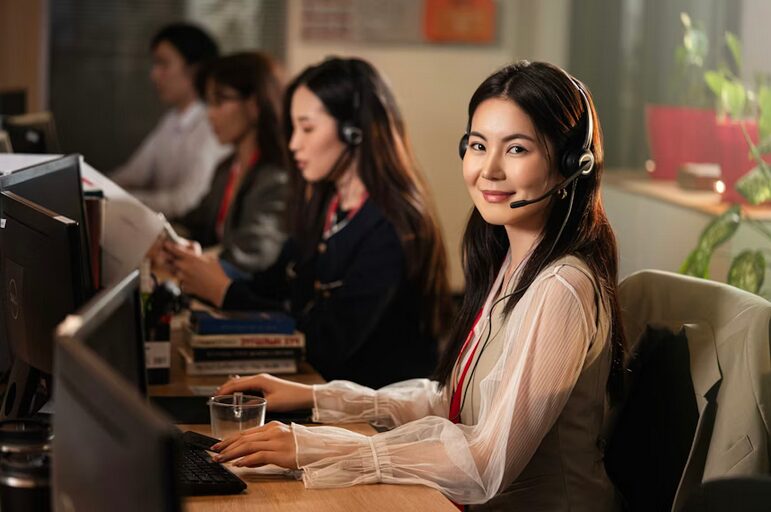
answering service agents

At the core of this transformation are IT Answering Services, which are no longer just about handling calls or logging tickets. Instead, they act as centralized hubs that integrate communication, automation, and data analysis. By connecting multiple channels such as chat, email, and voice, these services create a seamless support experience. They also leverage artificial intelligence to prioritize requests, suggest solutions, and even resolve common issues instantly, making support faster and more efficient.

The Role of AI and Automation

Artificial intelligence is playing a major role in reshaping tech support. Automated systems can now handle repetitive tasks like password resets, system checks, and troubleshooting common errors. This not only speeds up response times but also allows human agents to focus on more complex challenges. Machine learning algorithms continuously improve by learning from past interactions, which means the quality of support keeps getting better over time without requiring constant manual updates.

Enhanced User Experience Through Personalization

One of the biggest advantages of modern support systems is their ability to deliver personalized experiences. By analyzing user history, preferences, and past issues, support platforms can tailor their responses to individual needs. This creates a more human-like interaction, even when automation is involved. Users feel understood and valued, which builds trust and increases satisfaction. Personalization also reduces the need for users to repeat information, making the entire process smoother.

Support Across the Organization

Tech support is no longer isolated within a single department. Instead, it is becoming an integral part of the entire organization. Modern answering systems connect with IT infrastructure, customer relationship management tools, and internal workflows. This integration ensures that information flows seamlessly across teams, enabling faster decision-making and more consistent service. It also allows businesses to gain deeper insights into their operations and identify areas for improvement.

The Future of Tech Support Intelligence

Looking ahead, the role of answering services will only continue to expand. As technology evolves, these systems will become even more intelligent, capable of handling complex scenarios with minimal human intervention. Predictive analytics, natural language processing, and real-time monitoring will further enhance their capabilities. The goal is not to replace human support but to augment it, creating a balanced system where technology and people work together effectively.

The evolution of tech support is a reflection of broader changes in how businesses use technology to serve their customers. By moving beyond traditional help desks and embracing smarter systems, organizations can deliver faster, more reliable, and more personalized support. As answering services continue to develop, they are becoming the central intelligence that powers modern tech support, setting a new standard for efficiency and user satisfaction.…

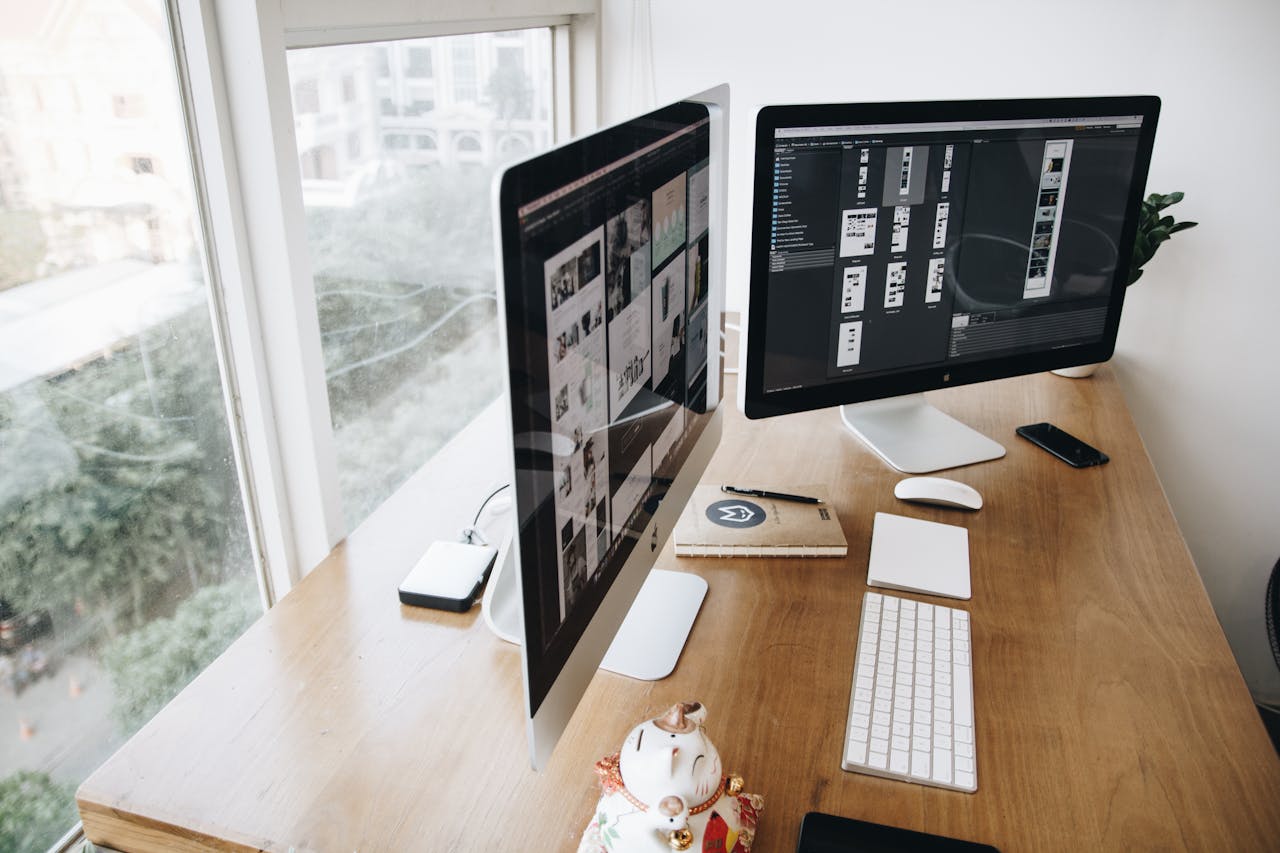
Essential Tech Accessories for Remote Workers

Remote work has become an integral part of modern professional life, blending flexibility with the challenges of staying productive outside a traditional office. While laptops and smartphones form the core tools, additional tech accessories can dramatically improve efficiency, comfort, and connectivity. Without these supporting devices, even the most capable workers may struggle with focus, fatigue, or workflow interruptions. Selecting the right accessories requires understanding which tools will make daily tasks easier and which enhance communication and organization. This article explores the top tech accessories every remote worker should consider, offering practical guidance to create a more effective and comfortable work environment, ultimately supporting better performance and well-being throughout the day.

External Monitors

screen

External monitors are invaluable for remote workers who juggle multiple applications, documents, or communication tools simultaneously. A larger screen allows for easier multitasking, reducing the need to constantly switch between tabs. Dual-monitor setups, in particular, enable users to dedicate one display for video calls or communication apps while using the other for work-related tasks. High-resolution monitors improve readability and reduce eye strain, which is essential during long work sessions. Adjustable stands or monitor arms can optimize viewing angles and maintain ergonomic posture. Investing in an external monitor transforms a compact laptop screen into a more versatile and efficient workstation, enhancing productivity and comfort in a significant way.

Quality Headsets with Microphones

Effective communication is crucial for remote work, and a quality headset with a microphone ensures clear audio during calls and virtual meetings. Poor sound quality or background noise can disrupt meetings, leading to misunderstandings and wasted time. Noise-canceling headsets reduce distractions, helping users stay focused even in busy home environments. Wireless options provide flexibility, allowing movement without compromising audio quality. Many headsets also include adjustable microphones and intuitive controls for volume and mute, which streamline communication during video calls. Investing in a dependable headset contributes directly to professional performance and reduces the fatigue associated with repeated technical issues.

Docking Stations and Hubs

Docking stations and USB hubs solve connectivity issues by providing multiple ports for laptops with limited input options. These devices enable users to connect monitors, external drives, keyboards, mice, and other peripherals seamlessly, creating a functional desktop environment from a single laptop connection. Many docking stations support fast charging, high-speed data transfer, and video output for multiple displays. This accessory reduces clutter, keeps cables organized, and allows remote workers to switch between home and mobile setups effortlessly. A well-chosen docking station enhances workflow efficiency and ensures that all essential devices are ready for use without constant reconnections.

Ergonomic Keyboards and Mice

keyboard

Extended typing sessions and repetitive mouse use can lead to discomfort or strain, making ergonomic keyboards and mice essential accessories for remote workers. These devices are designed to reduce stress on wrists, hands, and fingers while maintaining efficiency. Mechanical or low-profile keyboards offer tactile feedback and faster response times, while ergonomic mice support natural hand positions. Some devices provide programmable buttons or shortcut keys, allowing users to streamline frequent tasks. An ergonomic setup prevents repetitive strain injuries, supports long-term comfort, and increases overall productivity.

External Storage Solutions

Remote work often involves handling large files, collaborative projects, and regular backups. External storage solutions, such as portable SSDs or cloud-integrated drives, provide reliable options for storing and securing important data. These devices protect against accidental loss and facilitate easier sharing among team members. Fast read/write speeds are crucial for transferring large files efficiently, while ample storage capacity accommodates ongoing projects. Some external drives also offer encryption or password protection, adding an extra layer of security for sensitive information. Reliable storage ensures that remote workers maintain smooth operations and minimize downtime caused by technical difficulties.

Equipping a remote workspace with the right tech accessories significantly improves productivity, comfort, and overall performance. External monitors, quality headsets, ergonomic keyboards and mice, docking stations, and external storage solutions address common challenges faced by remote professionals, from multitasking difficulties to communication issues and data management. Thoughtful selection and use of these accessories transform a basic home setup into an efficient and professional environment, allowing remote workers to operate effectively, reduce strain, and maintain focus throughout the workday.…